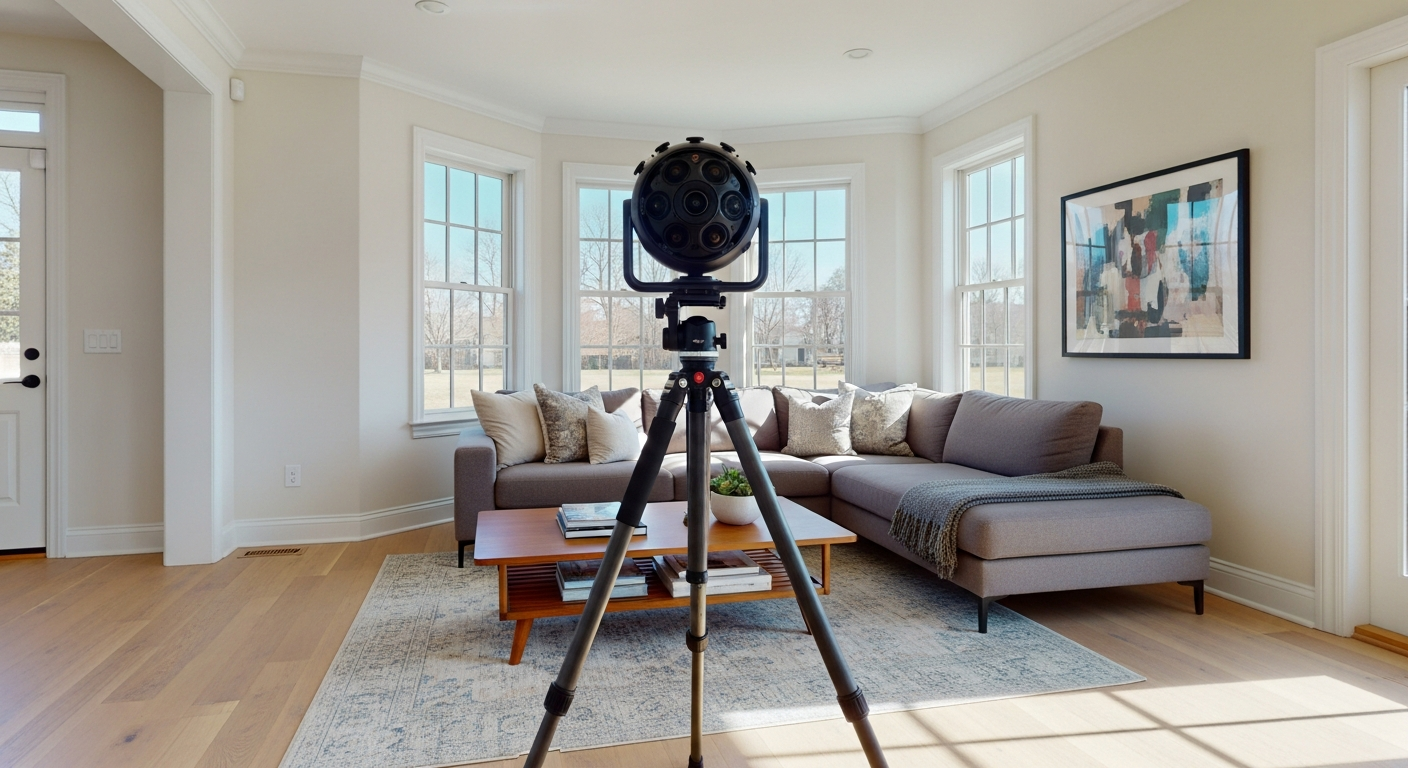
When a building is scanned from more than one position, the data from each setup has to be aligned into one consistent model. That alignment step is called registration, and laser scan registration targets are one of the main tools used to make it reliable. If you are reviewing a scanning proposal, planning a documentation scope, or comparing field methods for an as-built project, understanding targets helps you ask better questions about quality, workflow, and deliverables.
In practical terms, targets are visible reference markers placed around a site before or during 3d laser scanning. Software uses those markers to understand how one scan relates to the next, which helps create a clean point cloud and dependable downstream drawings. For a broader overview of the full process, see how 3D laser scanning works for as-builts and reality capture in construction.
What laser scan registration targets are
Laser scan registration targets are known reference objects placed in a scanner’s field of view so multiple scans can be connected accurately. They are usually designed to be easy for software to detect and calculate. Common examples include flat checkerboard targets, circular paper or plastic targets, and spherical targets mounted on stands, tripods, or magnetic bases.
The target itself is not the end product. It is a control point that helps tie separate scan positions together. In a typical building survey, a scanner may be moved through rooms, corridors, stairs, exterior walkways, and site areas. Every move creates a new scan position. Without a dependable way to connect those positions, the final point cloud can drift, misalign, or require more manual correction.
Targets are especially useful when:
- Spaces look repetitive, such as long corridors, parking garages, or warehouse bays.
- There is limited visual overlap between scan positions.
- The project requires stronger quality control and clearer registration reporting.
- Teams need to tie scan data into an existing control network or survey reference.
- Interior and exterior scans must be connected across doorways, glazing, or multi-level circulation paths.
In short, laser scan registration targets give the registration process something definite to lock onto.

Why registration matters in 3d laser scanning
Registration is the step that turns many separate scanner setups into one usable dataset. If registration is weak, every downstream use is affected. That includes measured floor plans, reflected ceiling plans, elevations, sections, clash checks, and scan-to-BIM modeling. If registration is strong, teams can trust that rooms connect correctly, wall faces line up from one scan to the next, and dimensions taken from the point cloud remain consistent.
This is why registration matters to both technical and non-technical stakeholders. Architects and engineers care because they need dependable geometry. Owners care because design decisions, permit documents, and renovation scopes often depend on the scan. Contractors care because poor alignment can create layout confusion or rework. If you are new to point-cloud-based workflows, FastAsBuilt’s guide to what a point cloud is in as-built drawings is a useful companion.
Registration is not only about making the scans “fit.” It is about putting them into a coherent coordinate framework. Depending on the job, that framework may be local to the building, tied to a survey benchmark, or coordinated with other design files. Targets can play a major role in that process because they create repeatable references seen by multiple scans.
How registration targets work in the field
In the field, the crew places targets where they will be visible from two or more scan positions. The scanner captures those targets along with the surrounding building geometry. Registration software identifies each target in multiple scans and calculates the relative position and orientation needed to align the datasets.
A good target layout is deliberate. Crews do not just scatter markers randomly and hope the software figures it out. They think about visibility, overlap, range, angles, obstructions, and movement through the site. They also consider whether targets need to bridge transitions between spaces, such as:
- From one room to the next through a narrow doorway
- From interior circulation into exterior courtyards
- From one floor to another at stairs or elevator lobbies
- Across large open rooms where the scanner may move long distances between setups
Many registration strategies rely on seeing at least three common targets between neighboring scans, though the exact approach depends on the scanner, software, and site conditions. More important than any single rule is redundancy. When multiple targets are visible with good spatial distribution, the software has a stronger basis for alignment and error checking.
Target placement also affects efficiency. Well-placed targets can reduce office cleanup time and make registration reports easier to review. Poorly placed targets can slow everything down, especially if some scans capture only one or two markers, or if targets are clustered too close together to provide stable geometry.
Need accurate as-built plans?
FastAsBuilt sends a local crew to laser-measure your property and delivers permit-ready 2D or 3D drawings, starting at $1,550.
See 2D & 3D pricingCommon types of laser scan registration targets
Not all targets do the same job equally well. The right type depends on project scale, line of sight, mounting options, scanner type, and whether the scans need to connect to survey control.
Checkerboard targets
These are flat printed or manufactured panels with high-contrast patterns. They are common on interior building work because they are easy to mount to walls, doors, glazing, and temporary supports. Software can detect the center of the pattern and use it as a registration point.
Spherical targets
Spheres are popular because they can be recognized from many angles. That makes them useful in larger rooms, industrial environments, or spaces where flat targets may not face the scanner directly. A sphere can often be seen from several setups without being repositioned.
Paper or adhesive targets
Simple circular or coded stick-on targets can be efficient for controlled interiors. They are lightweight and quick to place, but they are not always ideal for rough exterior conditions, dusty surfaces, or long-duration projects where markers may peel or shift.
Survey control targets
On projects that need coordination with a survey, some targets are placed so both the laser scanner and a total station or GNSS-supported workflow can observe them. This helps tie the point cloud to a known coordinate system.
No matter the type, the target must remain stable during capture. A target that moves even slightly between scans can introduce avoidable registration problems.
Target-based registration vs cloud-to-cloud registration
Many modern workflows use a mix of target-based registration and cloud-to-cloud registration. They are not opposites so much as tools with different strengths.
Target-based registration uses physical markers observed by multiple scans. Cloud-to-cloud registration uses the actual scanned geometry—walls, columns, floors, ceilings, piping, facade features, and other surfaces—to align one scan to another. You can think of target-based registration as using deliberate reference objects, while cloud-to-cloud uses the building itself as the reference.
Target-based registration often works well when:
- The project needs clearer control and traceability
- Repetitive geometry could confuse pure cloud matching
- There are long transitions with limited overlap
- Survey control must be integrated
- Quality assurance requirements are strict
Cloud-to-cloud registration often works well when:
- The space has rich, unique geometry
- There is strong overlap between scans
- Speed in the field is a high priority
- Target placement is impractical or unsafe
In many building projects, crews use targets selectively and let cloud-based methods refine the result. This hybrid approach can be efficient and robust. If you are comparing methods for a proposal, it also helps to understand terrestrial vs mobile laser scanning, since registration strategy often changes with the capture platform.
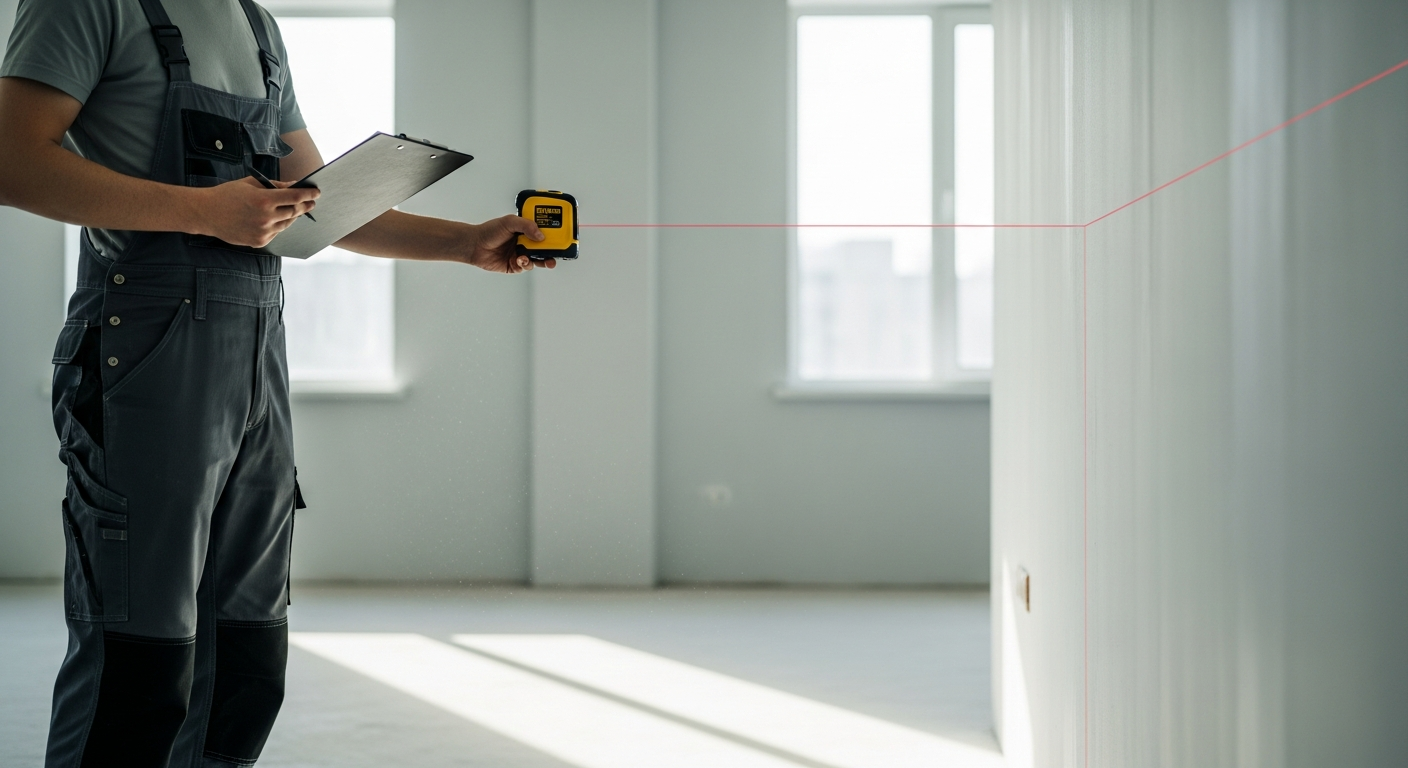
When targets are most important
Some projects can be registered successfully with minimal or no physical targets, especially when the geometry is varied and the scanner path has strong overlap. But there are many cases where laser scan registration targets become much more important.
- Repetitive interiors: Hotels, apartment corridors, office suites, classrooms, and storage facilities can look very similar from one scan to the next.
- Industrial and MEP-heavy environments: Dense systems may create occlusions, and reliable reference points help bridge complicated views.
- Large open areas: Gyms, warehouses, atriums, and big retail floors may not provide enough distinctive geometry at every transition.
- Multi-level circulation: Stairs, switchback landings, and vertical transitions can be tricky if overlap is limited.
- Exterior scanning: Sunlight, vegetation movement, parked cars, and long distances can reduce the reliability of pure geometry matching.
- Control-sensitive documentation: Historic preservation, deformation monitoring, fabrication support, and high-value renovation work often justify more rigorous control.
Targets are also useful when a project team wants a defendable workflow for records, disputes, or formal QA review. In those settings, saying “the software matched the geometry” may not be enough. Physical target observations can provide a clearer audit trail.
How targets affect accuracy and quality control
Targets do not magically make a scan accurate. Accuracy depends on the scanner, site conditions, setup discipline, range, line of sight, surface reflectivity, environmental movement, and processing methods. But targets can improve the reliability of registration and make quality control more transparent.
That matters because registration error compounds. A small issue in one area can propagate as the scanner moves through a building, especially in long chains of scans. Targets help break that chain into more stable relationships. They give the software measured references and give technicians a clearer way to evaluate whether the alignment is behaving as expected.
Quality control often includes reviewing:
- Residuals or registration error at each target
- The distribution of targets through the project
- Whether neighboring scans share enough common references
- Whether a target was partially blocked, too far away, or poorly oriented
- Whether the network closes consistently when the scanner returns near the starting area
For buyers of scanning services, one practical takeaway is this: ask how registration quality will be checked, not just how the site will be captured. For more context on scan precision, see how accurate 3D laser scanning is for as-builts.
At FastAsBuilt, our measured as-built workflow is based on on-site laser measurement followed by senior drafters producing permit-ready CAD files in PDF and DWG. For projects that need a conventional 2D deliverable rather than a full scanning scope, you can review our packages for 2D and 3D as-built plans across California.
Good target placement practices
If you are writing a scope, reviewing a method statement, or coordinating field access, it helps to know what good target practice looks like. The details vary by scanner and software, but the core principles are consistent.
- Spread targets in depth and width: Markers should not all sit on one wall or one plane. Better spatial distribution creates stronger geometry for registration.
- Avoid clustering: Targets placed too close together are less useful than targets distributed across the visible scene.
- Keep them stable: Do not place targets on moving doors, loose furniture, or surfaces likely to vibrate during capture unless movement is controlled.
- Maintain visibility: Targets should be easy to see from adjacent setups and not hidden by people, equipment, or temporary obstructions.
- Bridge transitions: Doorways, corners, stairs, and exterior-to-interior connections deserve special attention.
- Use redundancy: Extra valid observations are helpful for checking and strengthening the network.
- Document control points clearly: If targets tie to survey control, record naming, placement, and observation details carefully.
These practices are part of a larger reality capture discipline. They matter whether the final use is floor plans, sections, a coordination model, or design verification. For a wider comparison of capture methods, see laser scanning vs photogrammetry.
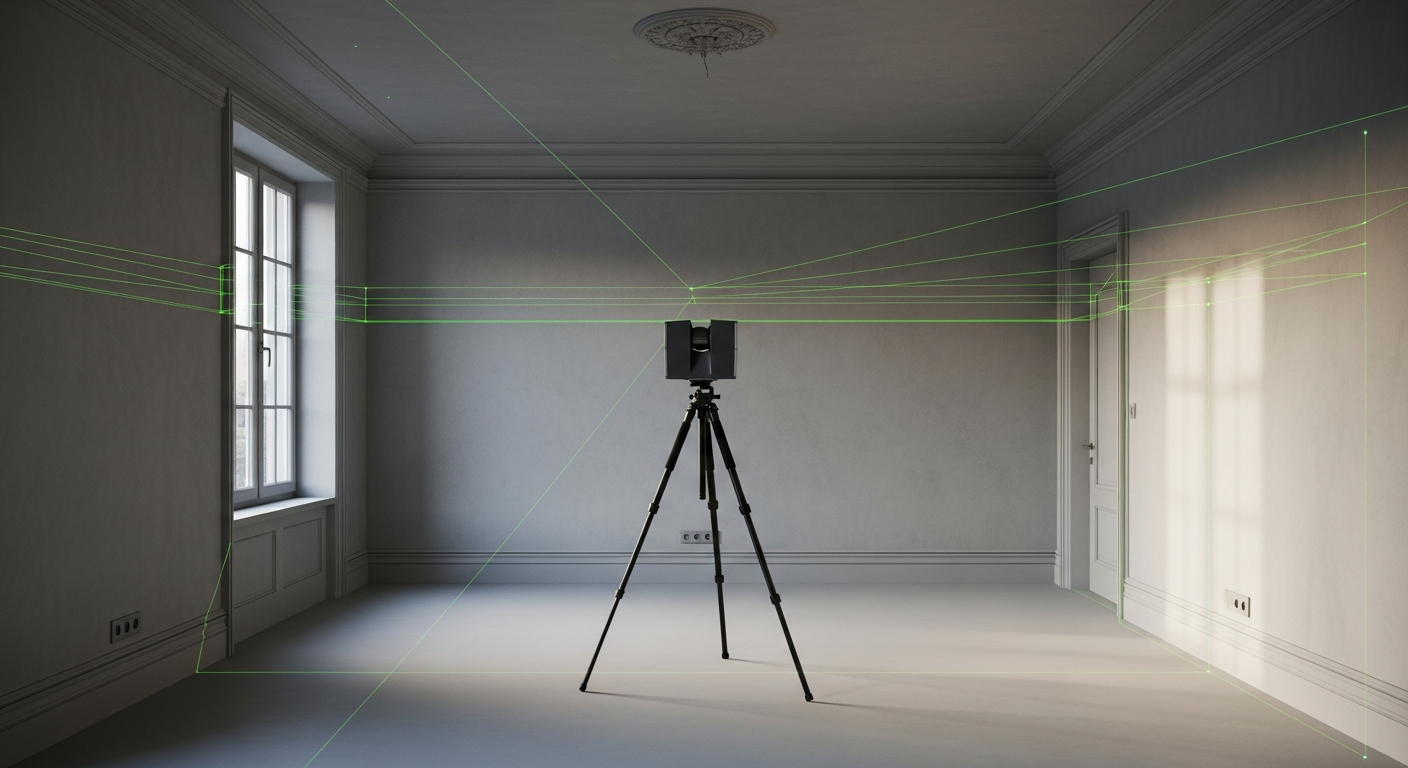
What can go wrong with scan registration targets
Targets help, but they can also create false confidence if they are used poorly. A flawed target network can look organized in the field while still producing weak registration.
Common problems include:
- Too few targets between scans: Minimal common references reduce redundancy and make error detection harder.
- Bad distribution: If all targets are low, close together, or on one side of the scanner, the geometric solution is weaker.
- Target movement: A bumped tripod, swinging sign, or flexing surface can invalidate the observation.
- Occlusion: A target may be visible from one scan but partly blocked in another, leading to unreliable center detection.
- Excessive range: A target placed too far away may not be captured with enough clarity.
- Reflective or bright conditions: Glare, direct sun, and reflective backgrounds can complicate detection in some settings.
- Misidentification: Similar-looking targets or poor field labeling can confuse processing if the workflow is not controlled.
This is one reason experienced field planning matters. Registration quality depends on judgment as much as equipment. For clients, the useful question is not simply whether a vendor uses targets. It is whether they know when, where, and why to use them.
How to evaluate targets in an RFP or proposal
If you are preparing an RFP, procurement checklist, or consultant comparison, targets are worth mentioning because they are closely tied to risk management. You do not need to specify every field detail, but you should ask enough to understand the vendor’s method.
Helpful questions include:
- Will registration be target-based, cloud-to-cloud, or a hybrid workflow?
- How will the team handle repetitive spaces or low-overlap transitions?
- Will the point cloud be tied to survey control or a local project coordinate system?
- What registration quality checks will be performed and documented?
- How will interior and exterior scans be connected?
- What conditions on site could limit target placement or visibility?
- Who performs the office registration and QA review?
These questions matter in California projects where scans may feed permit-ready documentation, tenant improvement planning, ADU design, commercial remodels, or existing-condition verification before construction. FastAsBuilt serves Southern California, the Bay Area, and San Diego with local crews, and our senior drafters turn field measurements into permit-ready CAD files for clients who need dependable as-built documentation.
Start with accurate as-builts
Order field-measured 2D or 3D as-built drawings and let a local crew handle the measuring and drafting.
Get instant pricingFrequently asked questions
Are laser scan registration targets always required?
No. Some projects can be registered successfully using cloud-to-cloud methods alone, especially when there is strong overlap and distinctive geometry. But targets are often very helpful in repetitive interiors, large open spaces, exterior transitions, and projects with tighter quality-control requirements.
Do targets improve scan accuracy or just alignment?
Mainly alignment, but that can strongly affect the usefulness of the final dataset. Targets help reduce registration uncertainty between scans and make QA easier to review. They do not override the basic performance limits of the scanner or poor field technique.
What is the difference between a target and a control point?
A target is a visible marker used for registration. A control point is a known reference location in a coordinate system, often established by survey. Some targets are placed so they also function as control connections when both the scanner and survey instruments observe them.
Can a point cloud be registered without seeing the same target in every scan?
Yes. A project usually does not need every scan to see every target. What matters is that the network of scans stays connected through sufficient shared references and overlap. Neighboring scans should have enough common information to align reliably as the capture progresses through the site.
Should targets be specified in a building scanning scope?
Often yes, at least at a general level for complex projects. Instead of prescribing an exact target count, many owners and design teams ask the vendor to describe the proposed registration method, quality checks, and control strategy. That approach gives you a better basis for comparing technical competence.
Bottom line
Laser scan registration targets are simple in concept but important in practice. They help connect multiple scans into one coherent dataset, strengthen quality control, and reduce risk in 3d laser scanning and reality capture workflows. If your project depends on dependable existing conditions, the key question is not just whether targets will be used, but whether the capture and registration strategy fits the building, the deliverables, and the level of precision you need.